Live Learn Mode
Move the bad control once and MidiSurgeon turns the incoming CC, note, or pad message into a bypass rule.
Local MIDI repair for noisy hardware
Bypass the one broken fader, stuck knob, or runaway pad without retiring the whole controller. MidiSurgeon filters bad messages and forwards everything else to a clean virtual MIDI port your DAW can use like a repaired version of the same hardware.
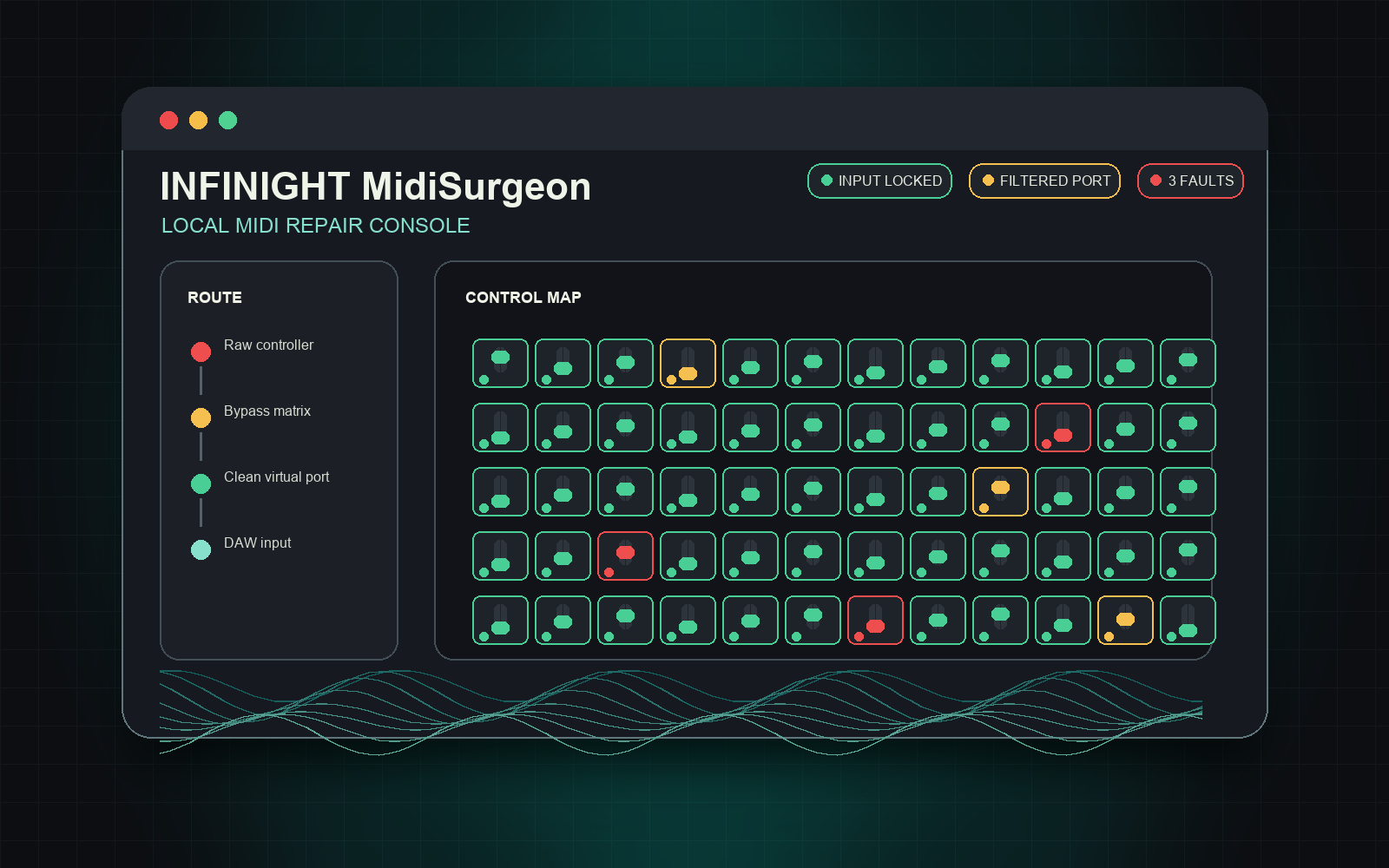
Listen to the controller that is sending noisy CCs, notes, or pad messages.
Learn or click the bad control, then keep the rest of the device alive.
Route the filtered stream into your DAW and disable the raw hardware input.
Built for interrupted sessions
Move the bad control once and MidiSurgeon turns the incoming CC, note, or pad message into a bypass rule.
Included maps for Akai, Arturia, and Novation hardware make bad controls easy to spot. Unknown controllers can still be learned from incoming MIDI.
Paid builds save reusable repair presets, so the same controller can load its bypasses again the next time you open the app.
Try the diagnosis flow free with one active bypass before upgrading to unlimited repaired controls.
DAW setup
Open MidiSurgeon and select the controller that is misbehaving.
Use Learn Mode or click a mapped control to mark the broken fader, knob, pad, or note.
In Ableton Live, Logic Pro, FL Studio, Bitwig, or another DAW, choose the filtered MIDI port and turn off the raw hardware input.
MidiSurgeon only filters MIDI messages locally on your Mac. Your synths, instruments, and effects stay inside the DAW you already use.
Your DAW sees the clean output as a MIDI port, so the setup is the same idea as choosing any other controller input.
Repair flow
MidiSurgeon keeps the process narrow: identify the noisy message, bypass it, and send the rest of the performance to your DAW.
Pick the MIDI input that is causing trouble. Known controllers load a labeled control map automatically.
Use Learn Mode or the control map to bypass the bad CC, note, fader, knob, or pad message.
Select the clean virtual port in your DAW, then disable the raw hardware input so only repaired MIDI reaches the session.
Live app view
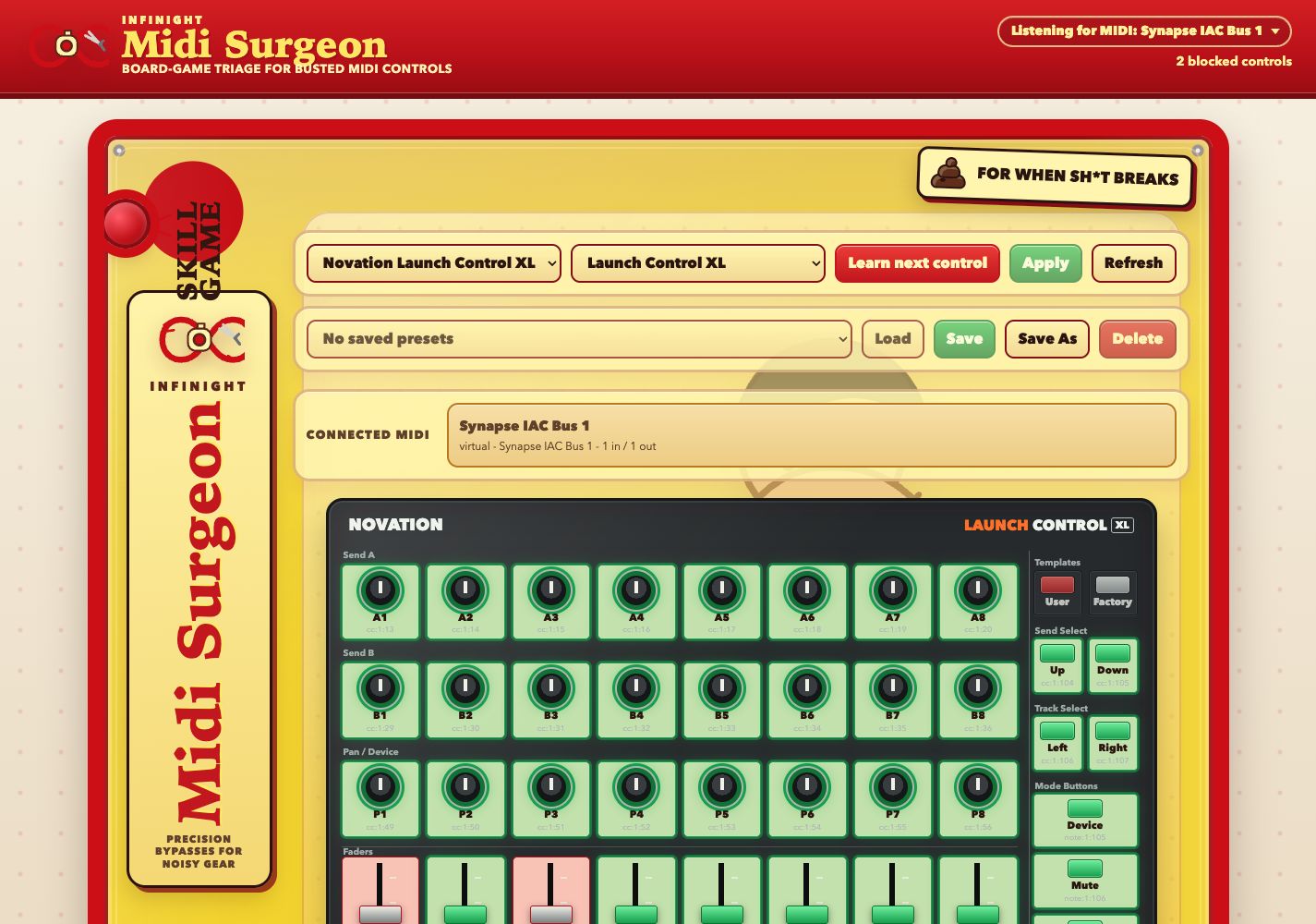
The app shows detected MIDI inputs, matched controller templates, blocked controls, and the map you use to isolate the problem.
Included templates
These templates provide labeled control maps. If your controller is not listed, the demo can still learn incoming MIDI messages and build bypass rules from what it hears.
Simple pricing
No subscription. The demo is for diagnosis and one active bypass; the paid license removes that limit.
Diagnose any connected controller and bypass one noisy control at a time.
Get DemoUnlock unlimited bypasses, preset saving, and the paid macOS build.
Already purchased? Recover your downloadBefore you install
No. MidiSurgeon is a local macOS desktop app that creates a filtered MIDI port for your DAW to use.
No. It only filters MIDI messages, so your instruments, audio, effects, and project files stay untouched.
You can still use Learn Mode to detect incoming MIDI and bypass the noisy message without a template.
No. The demo is free to download and lets you test the repair workflow with one active bypass.
Free demo
Try the repair workflow with one active bypass. No checkout needed, and no DAW plugin installation.